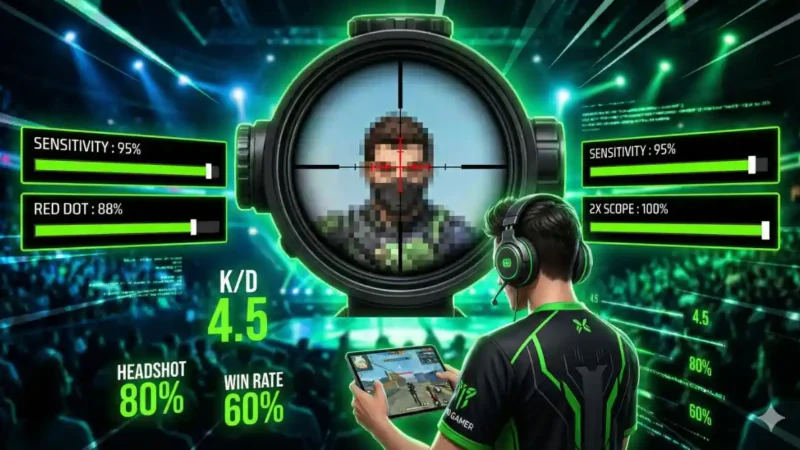
Are you looking to improve your headshot accuracy in Free Fire? The right sensitivity settings can make a significant difference in your gameplay, helping you secure those crucial headshots that can turn the tide of battle. This article will provide you with expert tips and tricks on the best sensitivity settings, as well as pro strategies to elevate your performance.
🎁 Free Fire Diamond Giveaway!
Understanding Sensitivity Settings
Sensitivity settings in Free Fire dictate how quickly your character responds to your movements. Adjusting these settings is essential for achieving precision in aiming, especially for headshots. The ideal sensitivity varies from player to player, but there are general guidelines that can help you find your sweet spot.
Why Headshots Matter
Headshots in Free Fire deal significantly more damage than body shots, often leading to faster eliminations. Mastering headshots not only enhances your kill count but also boosts your overall gameplay experience. Here are some reasons why you should focus on headshots:
- Increased Damage: Headshots deal critical damage, often resulting in knockouts.
- Instilling Fear: Consistently landing headshots can intimidate opponents.
- Better K/D Ratio: More headshots improve your kill/death ratio, making you a more formidable player.
Recommended Sensitivity Settings for Headshots
Finding the best sensitivity settings is crucial for achieving headshots. Below is a table outlining the suggested sensitivity settings for different gameplay styles:
| Setting Type | Recommended Value | Notes |
|---|---|---|
| General Sensitivity | 50-75% | Adjust based on comfort; higher for quick movements. |
| Red Dot Sensitivity | 60-80% | Ideal for close to medium range. |
| 2x Scope Sensitivity | 40-70% | Helps in medium-range engagements. |
| 4x Scope Sensitivity | 30-50% | Recommended for long-range shots. |
| AWM Scope Sensitivity | 20-40% | For sniping, precision is key. |
Steps to Optimize Your Sensitivity Settings
Follow these numbered steps to optimize your sensitivity settings for headshots:
- Start with Defaults: Begin with the default sensitivity settings to get a feel for the game.
- Adjust Gradually: Incrementally adjust each setting by 5-10% and test your aim.
- Practice in Training Grounds: Use the training grounds to practice your aim with different settings.
- Focus on Flick Shots: Try to improve your flick shots, which are crucial for headshots.
- Seek Feedback: Play with friends or stream your gameplay to get constructive feedback.
- Stay Consistent: Once you find the settings that work for you, stick to them for consistency.
Pro Tips for Landing Headshots
Now that you have your sensitivity settings optimized, here are some pro tips to help you land more headshots:
- Crosshair Placement: Always aim at head level when moving around. This minimizes the distance you need to adjust your aim.
- Control Your Recoil: Learn the recoil patterns of your weapons. Practice controlling recoil to keep your crosshair on target.
- Use Headphones: Sound cues can help you pinpoint enemy locations, giving you the upper hand in engagements.
- Practice Regularly: Consistency is key; dedicate time to practice your aim daily.
- Utilize Cover: Use cover to your advantage; peek out when you’re ready to shoot for guaranteed headshots.
Final Thoughts
In conclusion, finding the best sensitivity settings for headshots in Free Fire is a game-changer. By following the recommended settings and implementing pro tips into your gameplay, you can significantly improve your accuracy and overall performance. Remember that practice is essential; the more you play, the better you will become.
FAQs
1. What sensitivity settings are best for beginners?
Beginners should start with default settings and gradually adjust their sensitivity between 50-70% for general and aiming settings.
2. How can I practice my aim effectively?
Utilize the training grounds, play deathmatches, and consider using aim training apps designed for mobile shooters.
3. Should I use gyroscope settings for aiming?
Using gyroscope settings can enhance your aiming precision, but it requires practice to master. Experiment to see if it works for you.
4. Can my device’s performance affect sensitivity settings?
Yes, lower-performing devices may have input lag, affecting your aim. Ensure your device runs optimally for the best gameplay experience.
5. How often should I adjust my sensitivity settings?
Only adjust your settings when you feel that your aim is inconsistent; frequent changes can hinder muscle memory development.
This article provides comprehensive guidance on optimizing sensitivity settings for headshots in Free Fire, integrating essential tips and FAQs to enhance your gameplay.




💬 Comments